Loading Pages using our SPA CMS
We already demonstrated loading pages via script using our first CMS. We made home, school, shop and resume pages. We loaded the home and resume pages with content. Here we do the same for our SPA version. We already made those four pages. We already loaded the heading level 1 h1 tag. Here we demonstate loading hte body of page. We loaded the home and resume pages with content.
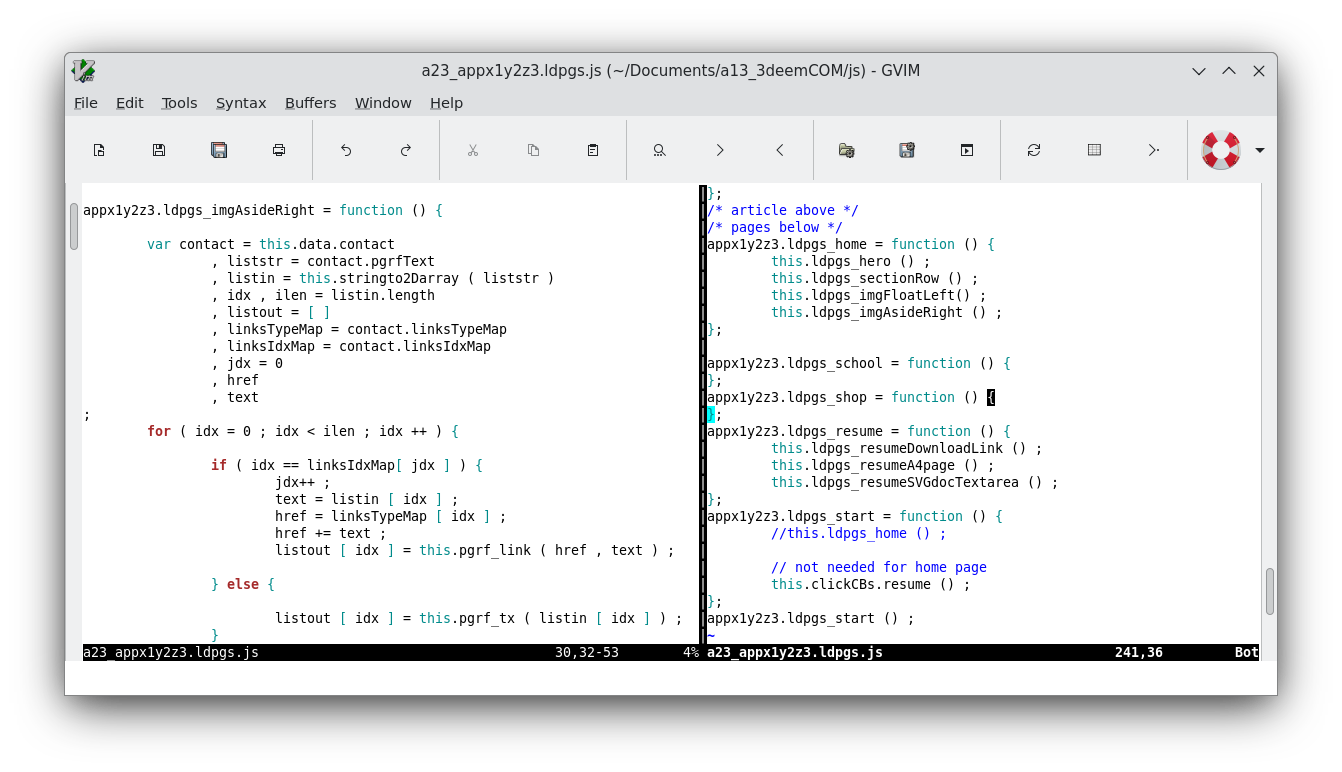
Much of the code is the same as code presented in our first CMS. This is the latest version and so you will want to review how the code is organized this time around. Notice the class hierarchy is very shallow at this point. Everything is mostly parallel on the top level app scope. Later we will organize the code into deeper scopes so adding more apps even later will be smooth and easy.
Mission
Write functions for loading content in our SPA-CMS. These functions must be wired to button clicks. Designs and style layouts for the loaded content. Namely first design a fullscreen image layout for the home page's first article. Followed by a row of three panels that are ordered below each other on smalls screen and as side by side as columns on wider screens. Followed by an "about" article that contains an image floated to the left. And finally an image of a map diagram floated to the right. Then for the resume page an A4 US Letter Document page layout.