A color picker with a calculator set to convert between hex and rgb
Mission Objective
Make a color picker that also converts between hex and rgb.
Colour formats
We usually set colour data in a two bit hex by three channels format. For example white:
#FFFFFF
The first FF is for red, the second for green, and last for blue. In recent times a new colour format with a fourth alpha channel was introduced called RGBA. An exampe of the RGBA format follows :
rgba(255,255,255,0.5)
Notice two bit hex numbers are represented by a single decimal number that ranges from [0,255]. The alpha channel ranges from [0,1].
In WebGL the rgba has a different range. All channels range from [0,1]. So the following are equivalent:
#FFFFFF Hex String
rgba(1,1,1,0.5) WebGL RGBA
rgba(255,255,255,0.5) CSS RGBA
hexUtil{}
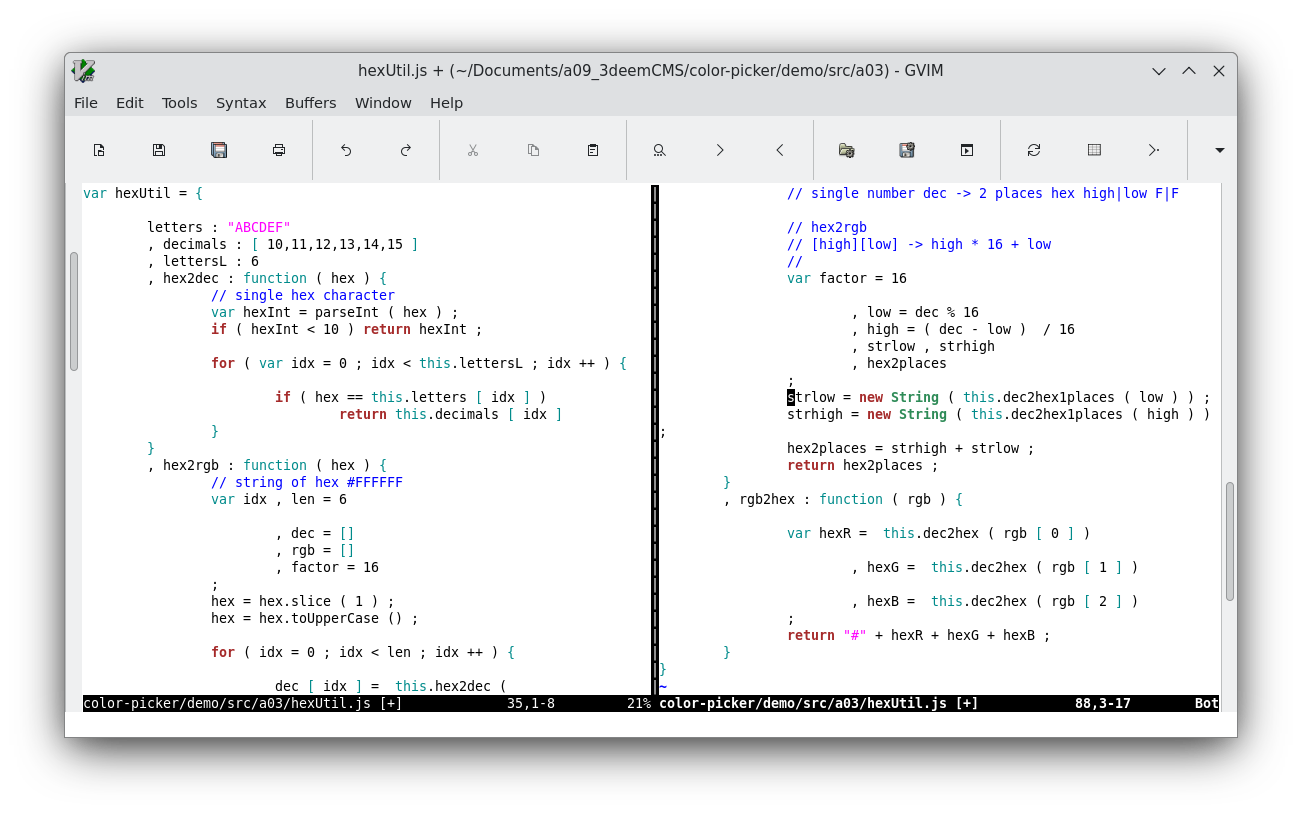
We present a program for converting between hex and rgb. There are two externally called methods that are named hex2rgb() and rgb2hex(). The externally called methods take in the full hex and rgb values for a colour such as #FFFFFF and [255,255,255]. There are similar methods used internally that work on each individual channels R, G or B and individual digit places such the high or low or hex digit F in a two digit hex number FF.
hexUtil{} src code file link
hexUtil.js
hexUtil{} src code screenshot
mkdom.colorSection()
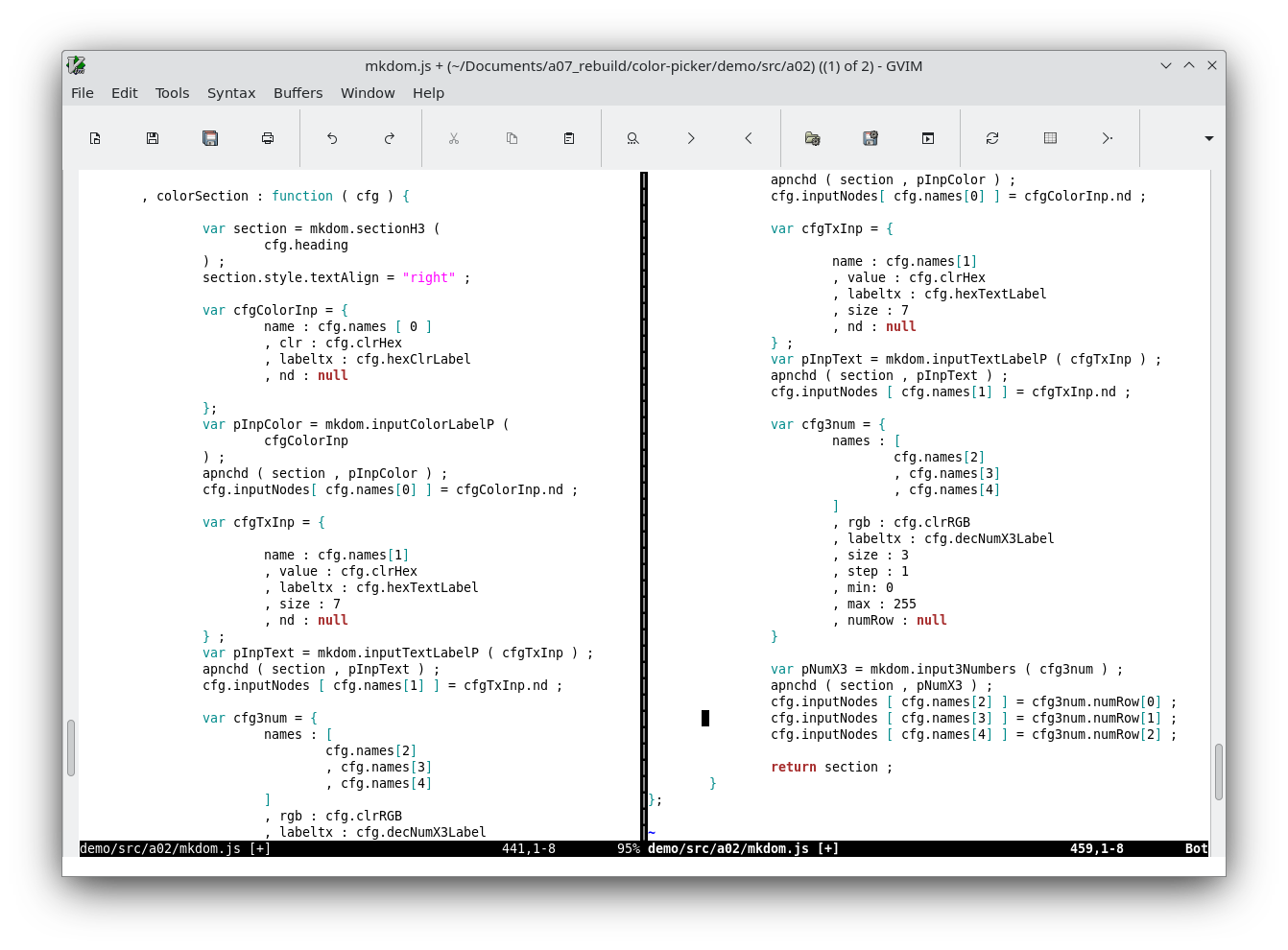
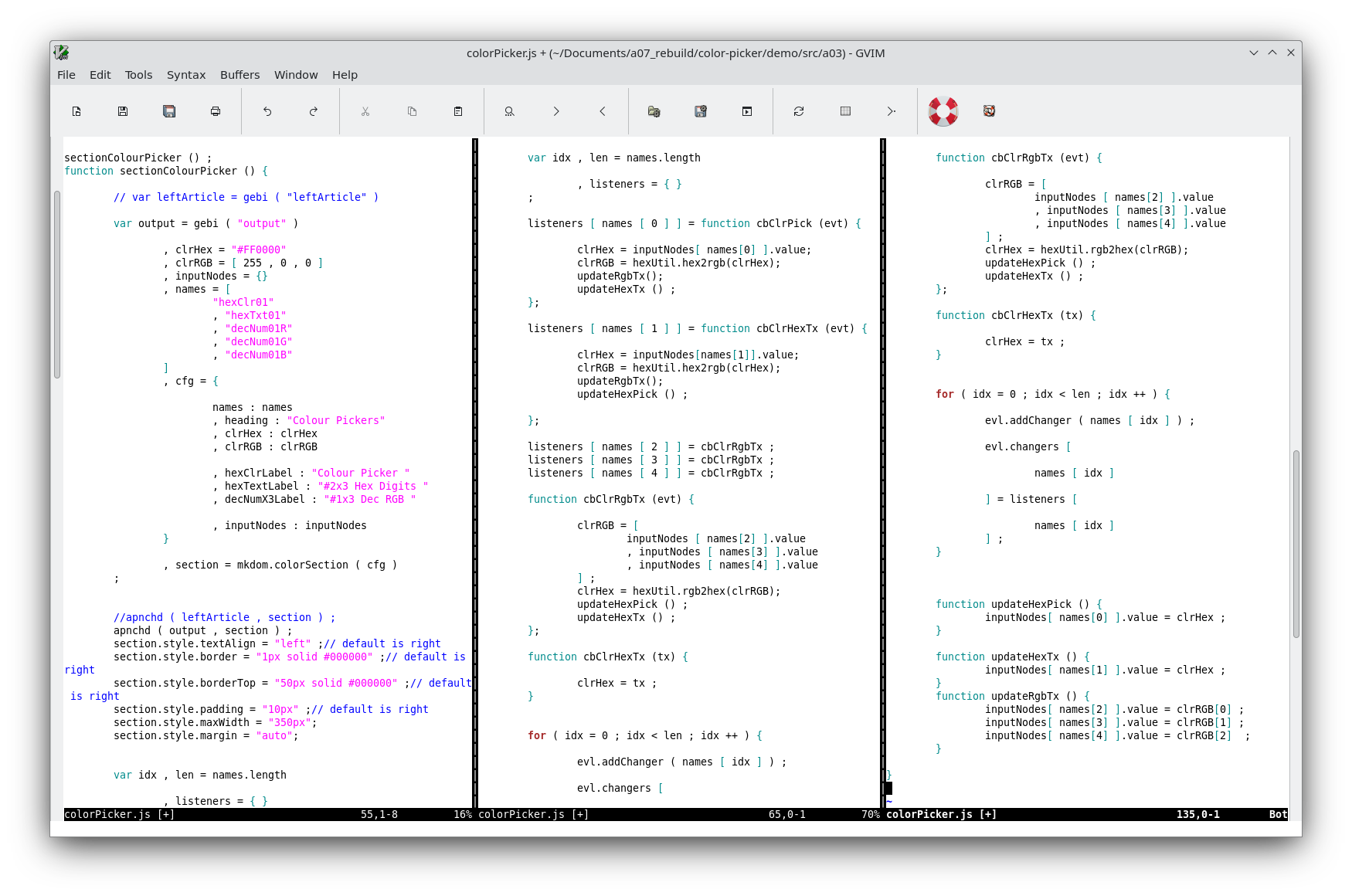
We added another method to mkdom. It makes a dom tree as follows: a container that contains paragraph nodes containing input nodes of type color, type text and three of type number. The type color input's use the #hex format. The text input will store the same color as a hex string. The three number inputs will store that same color in RGB format. When one of them changes we will call the other inputs to update.
mkdom() src code file link
mkdom.js
mkdom() src code screenshot